Phil Wylie

WordPress developer, Code Club volunteer & Staffs Web Meetup organiser

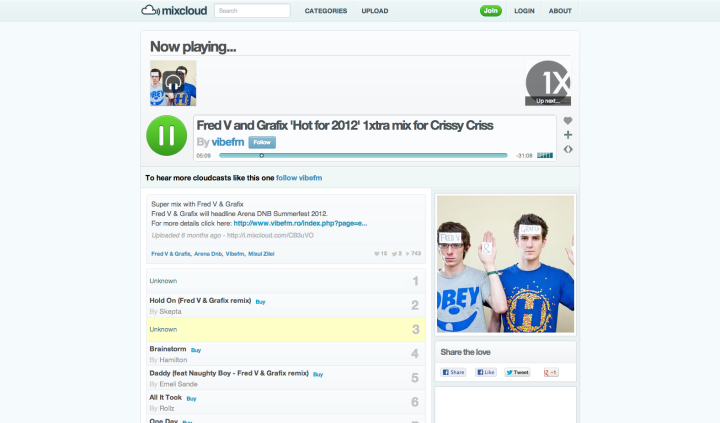
Add Mixcloud oEmbed support to WordPress

This is a post written for the iWeb Control blog. The original post was included in a Trac ticket to support the inclusion of Mixcloud in WordPress Core and it looks likely that WordPress 4.0 will indeed introduce native oEmbed support for Mixcloud.

WordPress comes with a built-in whitelist of oEmbed providers. oEmbed allows us to easily embed content from various providers without worrying about ever-changing embed code.
Mixcloud is not currently in the list of supported providers. Mixcloud suggest installing the Enable oEmbed Discovery plugin which allows editors…

Add Mixcloud oEmbed support to WordPress

Spotify – a free, legal music service

Spotify

Spotify recently removed the invite requirement for its free service in the UK:

“starting today people in the UK will no longer need an invitation to join Spotify, you can register for our free service directly from our website as always our premium, ad-free service is still available”

Having used Spotify for a few weeks now, I’m convinced this is the future of music! The player lets you search through an ever expanding selection of music, which can then be streamed instantly. It’s like having iTunes preloaded with the world’s music.

It’s probably better explained by them:

The free version is supported by occasional adverts between tracks and every so often you’ll see a banner ad within the player. At its current level it’s not enough to push me to subscribe and it’s certainly not as bad as commercial radio stations that devote more airtime to ads than music.

Its available from spotify.com

Now if only Last.fm could generate Spotify playlists from its recommended music…

Looking for a 12 month web development placement

Wow! Long time since my last post. So what’s going down you ask? Well I’m working hard at university, taking more web based modules this semester, so it should be a little more fun.

free for jobI’m looking for a 12 month placement for sometime between June 2009 and September 2010, so if you’re looking for a keen web developer – get in touch and I’ll send you a copy of my CV.

In other news…

You may have noticed my Flickr stream has been dead for a while, that was my fault – I smashed up my camera whilst out and about. I have now replaced it with the model up, the Canon Ixus 70 – nothing extra special but still an excellent compact camera.

Until next time, stay safe and remember to subscribe to my feed!

Update – 09/12/2013
You’re looking at an ancient post! I ended up spending a year working with the web team at Experian QAS. I wrote up the experience for anyone interested.

PhilWylie.co.uk launched

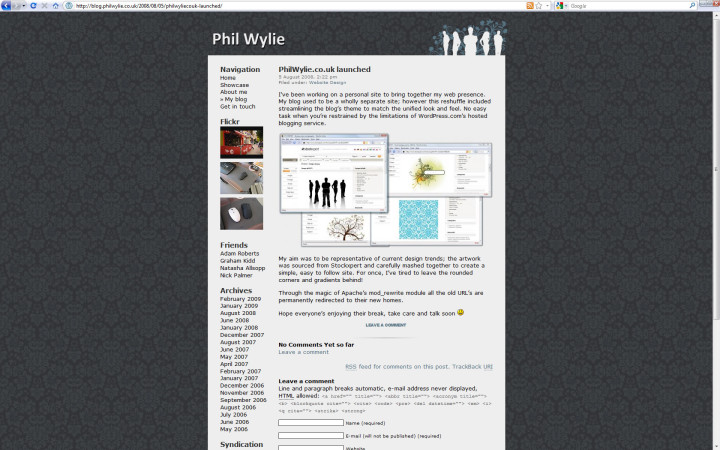
I’ve been working on a personal site to bring together my web presence. My blog used to be a wholly separate site; however this reshuffle included streamlining the blog’s theme to match the unified look and feel. No easy task when you’re restrained by the limitations of WordPress.com’s hosted blogging service.

Stockxpert

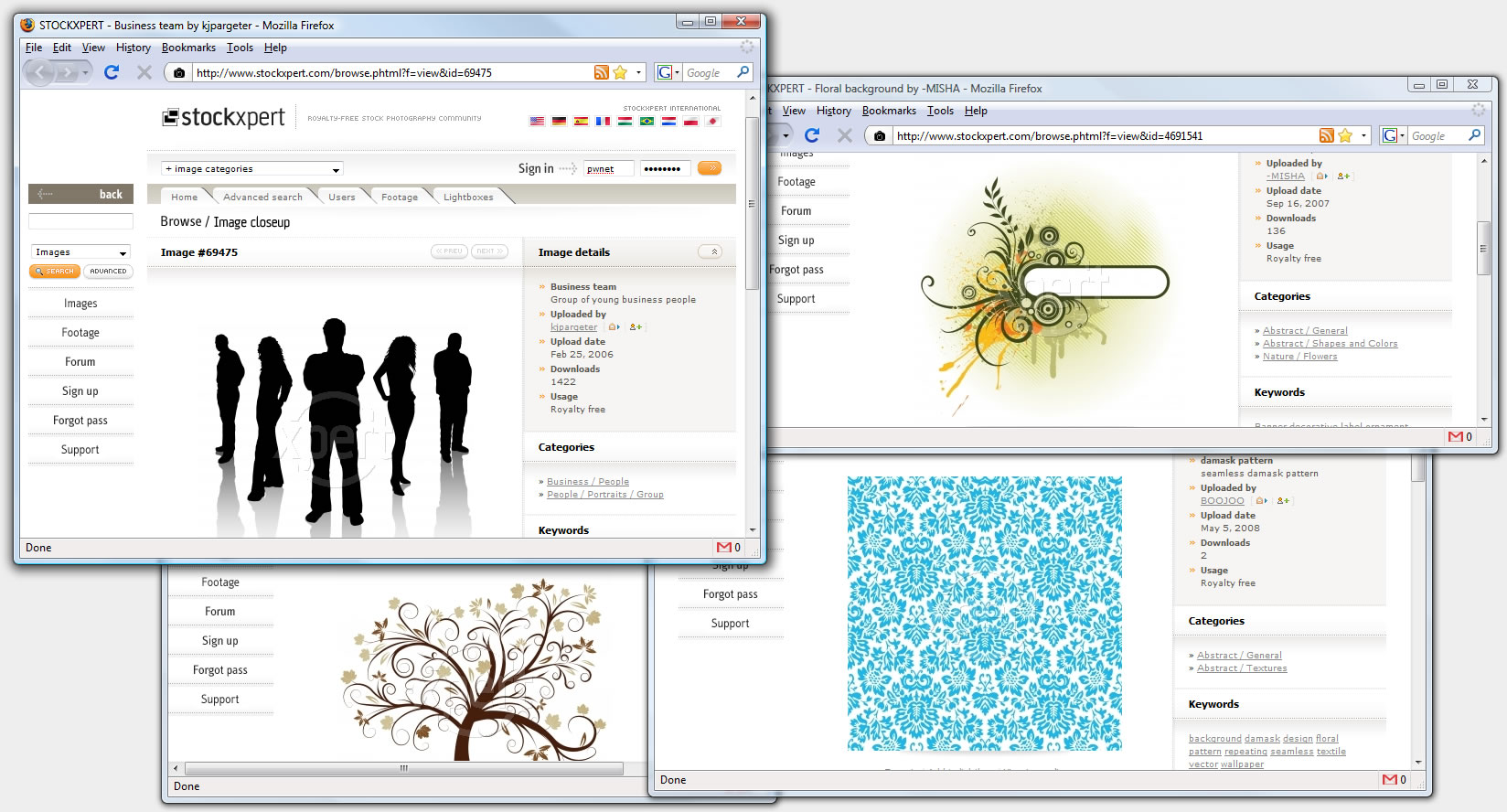
My aim was to be representative of current design trends; the artwork was sourced from Stockxpert and carefully mashed together to create a simple, easy to follow site. For once, I’ve tired to leave the rounded corners and gradients behind!

Through the magic of Apache’s mod_rewrite module all the old URL’s are permanently redirected to their new homes.

Hope everyone’s enjoying their break, take care and talk soon 🙂

Big boys and their little toys!

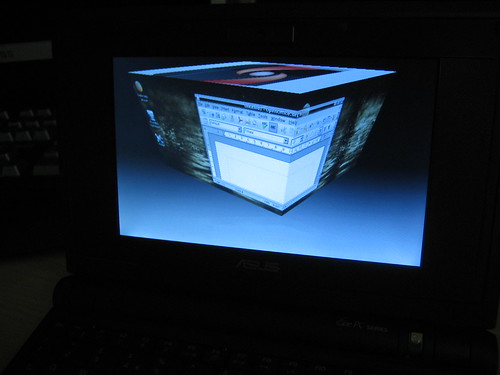
Everyone and their brothers talking about it, and I’ve seen a few around the uni, I even hear my old mate Adam has one too! I’m talking about the Asus EeePC, I thought I’d document my recent purchase as taking photos of it gives me an excuse to clean up my desk!

It’s a small, inexpensive laptop which I thought might be useful while at university. It’s in no way intended to replace a desktop computer, but it’s very handy at getting on the internet while out and about. No messing around with mobile phone browsers when I can get free WiFi around the university campus, at home and at my girlfriend’s house.

Still not decided what operating system to run on it though, the default install was too limited, so I replaced it with XP, since then I’ve installed Mint Linux, and now I’m considering going back to XP.

My main concern is related to its screen size; some windows become inaccessible as their height is fixed meaning some of the content is out of sight, and without scrollbars it becomes impossible to use. Most frustrating 😐 The solution? In Linux, Alt + left-click to drag the window up to reveal the out of sight content. In Windows, you can use the bundled utility to up the resolution, allowing you to “pan” up and down.

There isn’t much more I can say, so until next time, I wish you all the very best.

Asus EeePC Photos

Asus Eee PC

Eee PC keyboard closeup

Mint Linux

Newer Posts
Older Posts