Phil Wylie

WordPress developer, Code Club volunteer & Staffs Web Meetup organiser

Change WordPress auto update email address

This is a post written for the iWeb blog while playing with WordPress 3.7 automatic updates. The default WordPress behaviour following an attempted update is to send an email notification to the admin email address set under Settings → General. We wrote a small plugin ideal for those who manage WordPress on their client’s behalf. The plugin overrides the email address so the developer receives the notification. It’s then possible to setup an email filter to archive successful notifications and flag up any issues (if it wasn’t possible to automatically update or there was a critical failure).

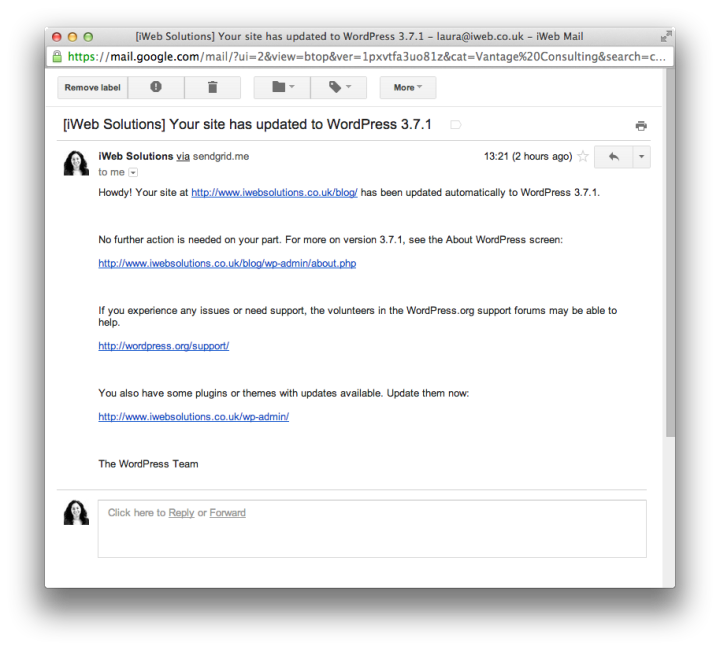
We recently posted about automatic updates which were introduced in WordPress 3.7. On by default, automatic updates currently only apply to smaller point releases which generally contain bug fixes and security enhancements. WordPress 3.7.1 followed shortly afterwards and served as a good test of the system. We had no trouble with the update. However, an email notification is sent out following…
Change WordPress auto update email address

Solve WordPress 3.7 Background Updates “This site is not able to apply these updates automatically.”

This is a post written for the iWeb blog while we were playing with WordPress 3.7 automatic updates. We wrote a plugin which overrides the check WordPress makes to determine whether a site is running under version control. We gitignore WordPress and only version our own themes and plugins. The plugin allows WordPress to automatically update when a minor release is pushed out. It also prepares us should WordPress move to automatic updates between major versions.

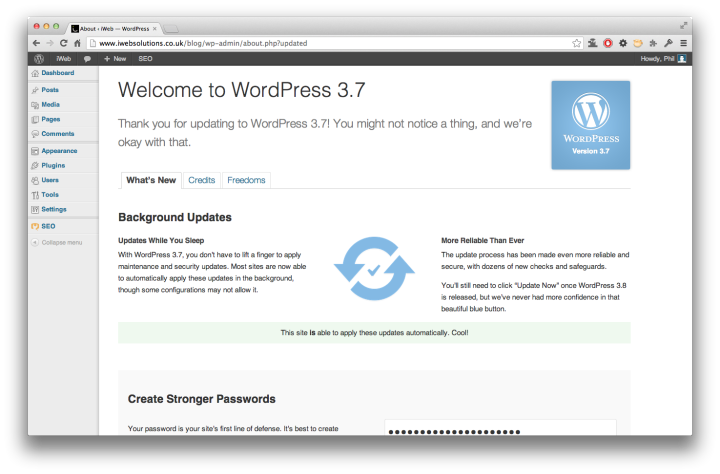
WordPress 3.7 introduces a fantastic new feature, automatic background updates which will speed up the uptake of security patches. Keeping sites up to date is an important step towards maintaining your sites security. Automatic background updates have been tested vigorously and should work under most setups. To prevent issues WordPress runs a number of checks before enabling automatic updates. One of the…

Solve WordPress 3.7 Background Updates “This site is not able to apply these updates automatically.”

Building a store listing page in WordPress

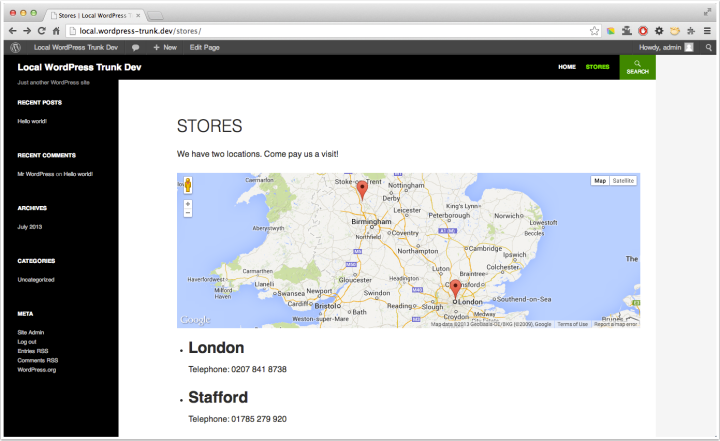
This is a post written for the iWeb Control blog in response to Corbin’s request for additional documentation on how to go about displaying map data on the front end when using my map CMB field plugin. The post aims to provide a working example covering a number of WordPress techniques from the basics of registering a post type and associated meta box, to writing a custom template file to output store locations on a map using Google’s Maps API.

Today I’m going to use a number of WordPress techniques to demonstrate the process of building a content managed store listing page. I’ll take you through registering a post type, creating a metabox to save each store’s location and phone…

Building a store listing page in WordPress

Get an excerpt from a specific post ID or post object with a variable excerpt length

I wrote a super small post over on the iWeb Control blog to share a WordPress snippet originally written by Pippin Williamson.

It’s a neat function iweb_get_excerpt_by_id() which returns an excerpt of a posts content. It has a number of parameters which give it a little more power over the default WordPress excerpt function. It’s possible to specify the excerpt length and also which HTML tags are allowed, so you could choose to include some formatting.

Another useful WordPress snippet from Pippin. Pass iweb_get_excerpt_by_id() a post ID or a post object to retrieve an excerpt. The function’s second parameter allows you to specify the length of the excerpt in number of words.

Add a logout link shortcode to WordPress

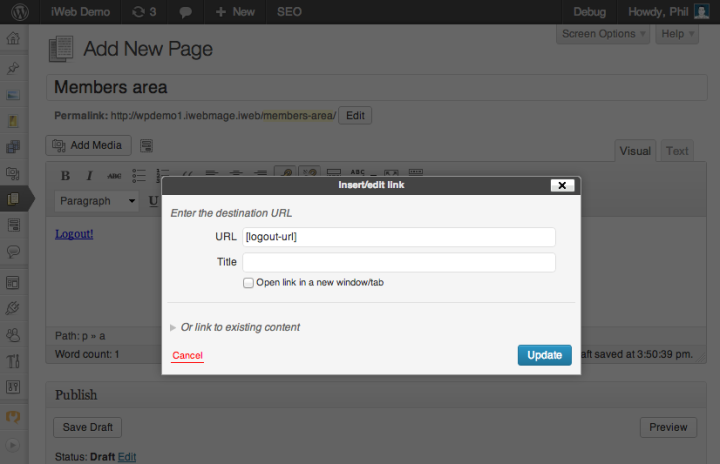
This is a post written for the iWeb Control blog. A super quick snippet useful for membership sites.

Membership plugins such as s2Member and ecommerce plugins like WooCommerce utilise the built-in WordPress user authentication system. If you run a WordPress site which allows users to login, you may wish to include a logout link within your page content…

Add a logout link shortcode to WordPress

Newer Posts
Older Posts